Opening, cleaning & closing
Give recurring tasks a clear place in the working day. Record completed checks and identify the work that still needs attention.
Keep the everyday work of hospitality visible. Ordaya brings daily checks, operational records, maintenance and manager follow-ups into a clear workspace for the team.
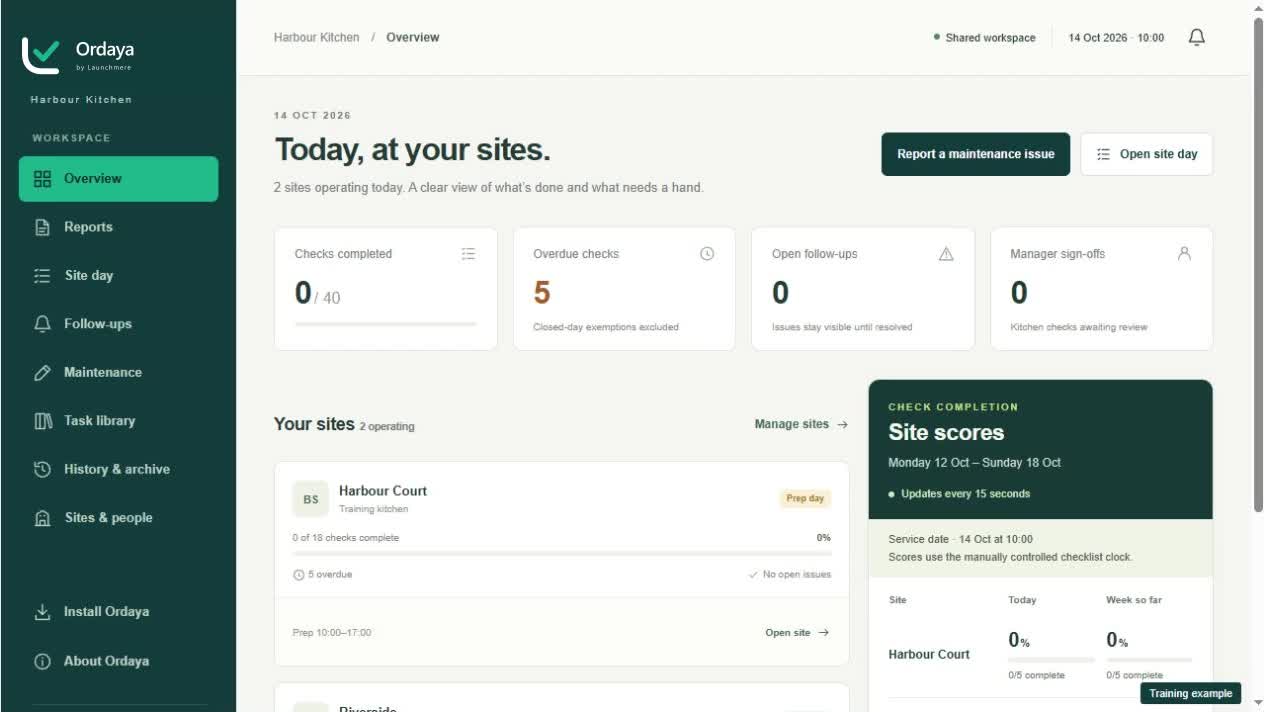
Explore how Ordaya supports the team’s everyday tasks.
Give recurring tasks a clear place in the working day. Record completed checks and identify the work that still needs attention.
Capture equipment and food temperatures in structured logs. Keep the recorded reading and any follow-up action together for review.
Record deliveries and wastage as part of daily operations. Keep useful context alongside the entry instead of scattered across paper sheets.
Maintain cooling records and attach supporting documents where the workflow allows, including supplier invoice attachments.
Record a fault, add supporting evidence and keep progress updates together. Give the next person enough context to continue the work.
Review submitted work, record decisions and manager sign-offs, and inspect reports and history for assigned sites.
Choose the site and service date, then review the checks and open follow-ups.
Complete checks and logs as the work happens, adding the detail a reviewer needs.
Review exceptions, document corrective actions and record the manager sign-off.
During the opening checks, a team member records a problem with a piece of equipment. The evidence and updates stay with the fault, so the manager can review the history and decide what needs to happen next.
Illustrative workflow. Your setup and responsibilities determine how the product is used.
Yes. Ordaya can be used on phones, tablets and computers, with guidance for adding it to the home screen.
An internet connection is required to save work. The current version does not queue entries while offline.
Your business still sets its procedures, responsibilities and review standards. Ordaya helps the team record and follow up the work.
Confirm your sites, checks, access and review responsibilities. In the current build, the service date is advanced manually; notification delivery depends on the workspace configuration, and SMS is not enabled.
Ordaya is part of the Launchmere software family.